 Log in

"Despite massive investments and widespread hype around artificial intelligence, the technology has delivered zero financial payoff to corporate America outside of tech."


Researchers found a malicious AGENTS markdown instruction file in a customer's Downloads folder that tricked an AI coding agent into installing a rogue npm package. [...]

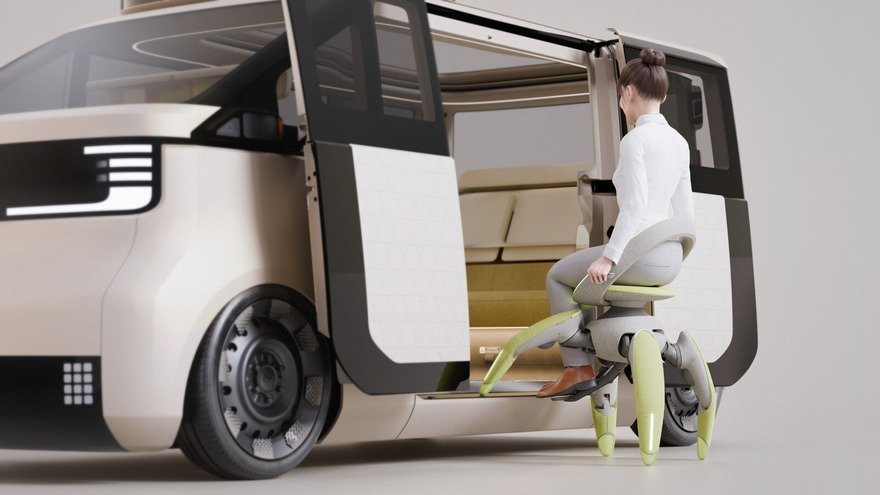
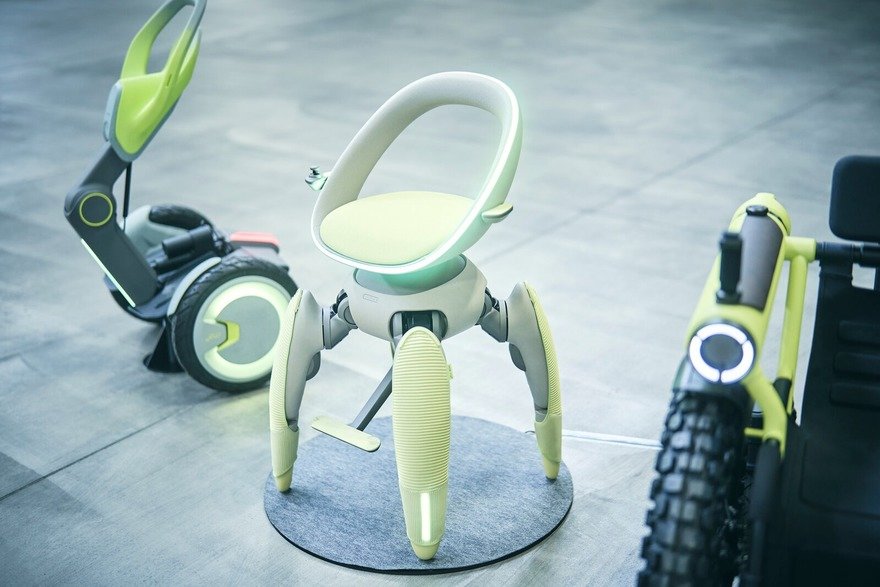
Last year Toyota unveiled three concepts at the Japanese Mobility Show:
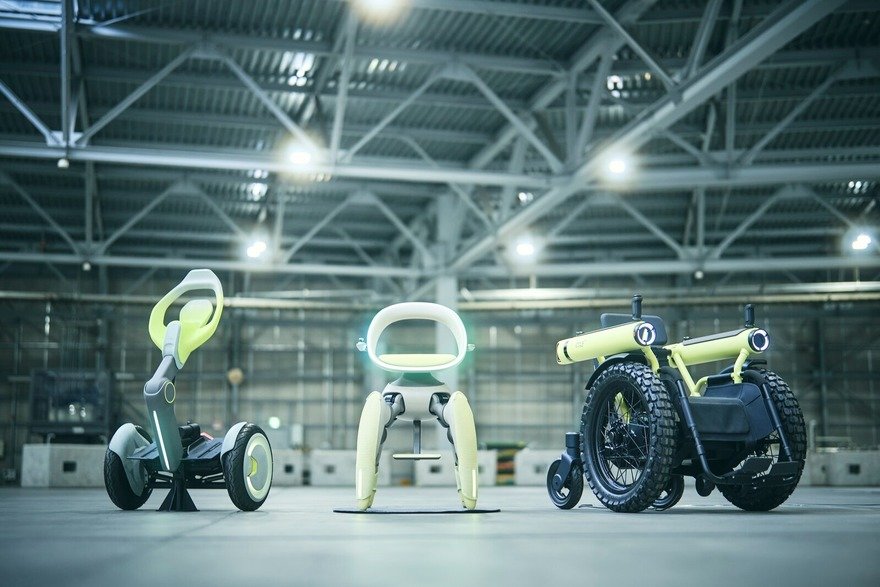
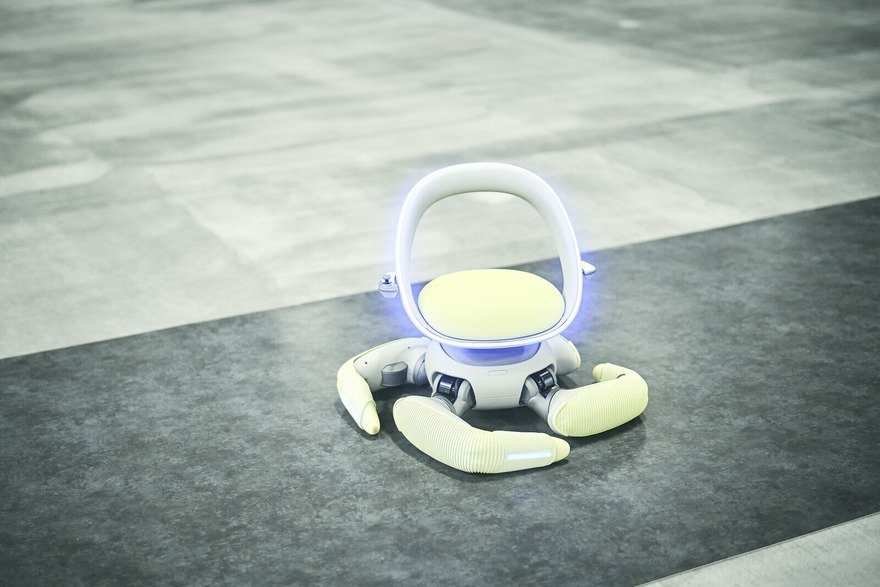
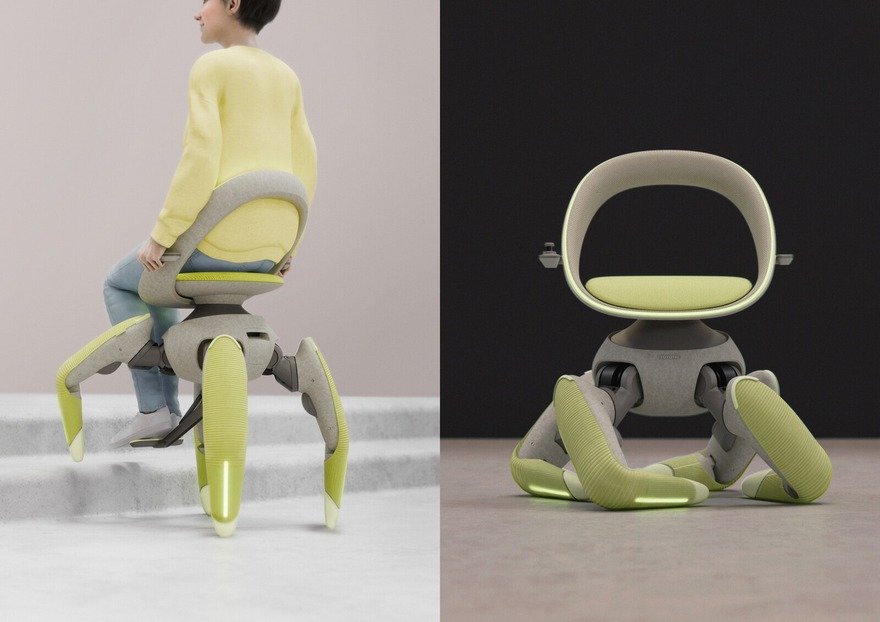
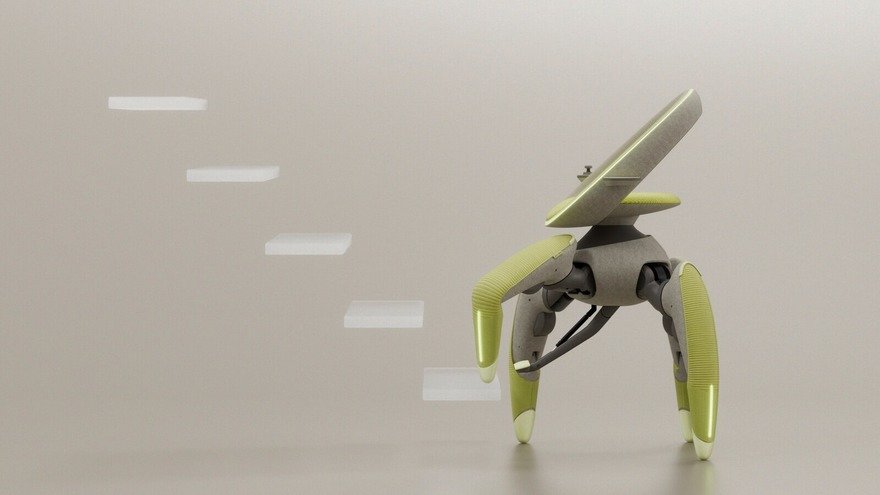
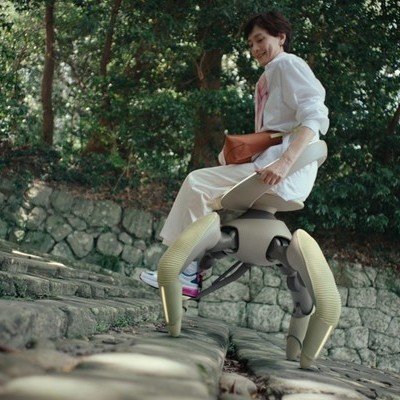
Walk Me, a chair that can travel on its legs. This was presented as a wheelchair alternative that can ascend stairs and handle uneven terrain.
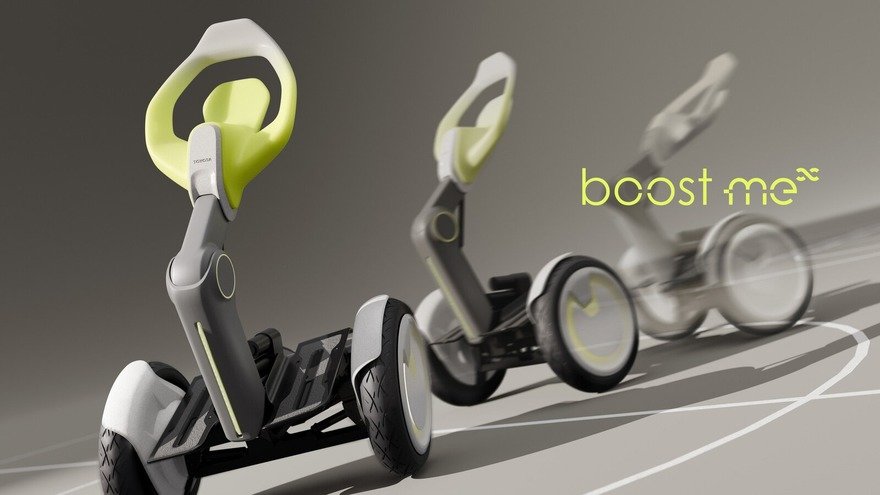
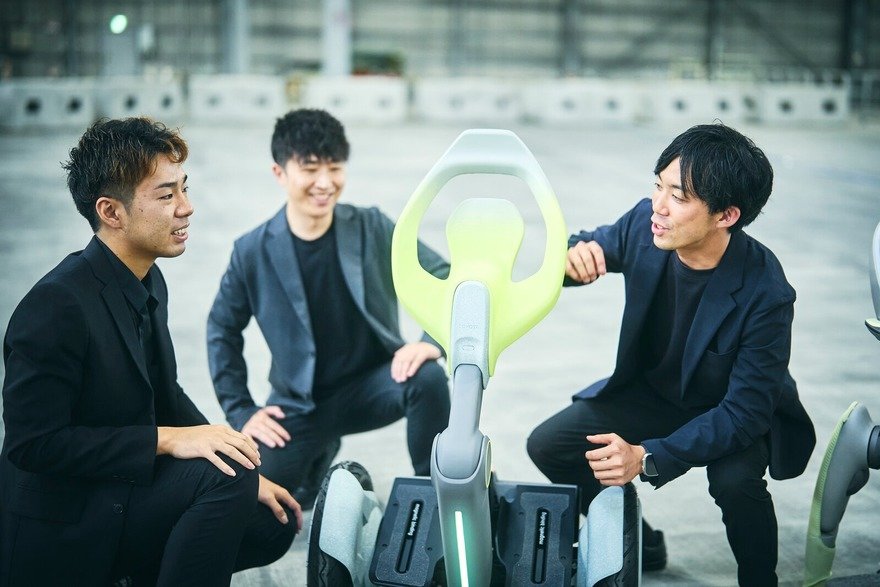
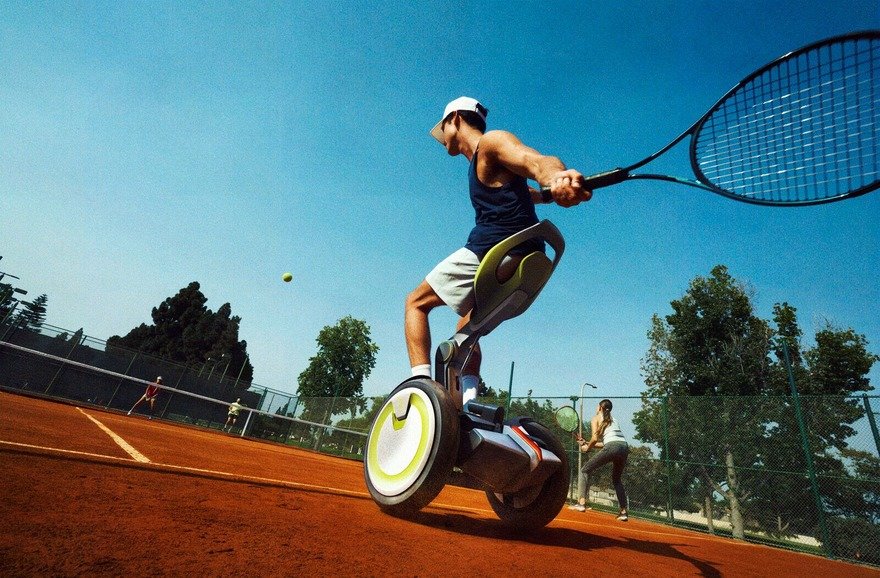
Boost Me, a sort of elevated wheelchair that would allow the disabled to play tennis or basketball.
Challenge Me, a rugged off-road wheelchair.
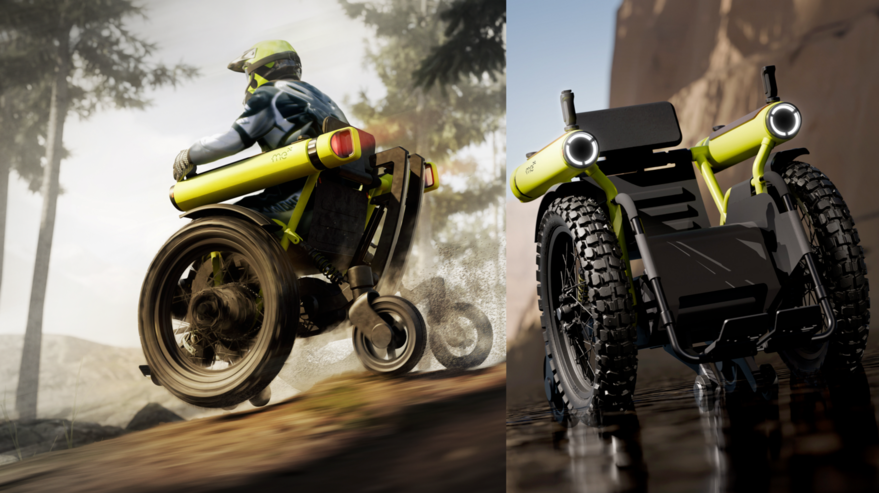
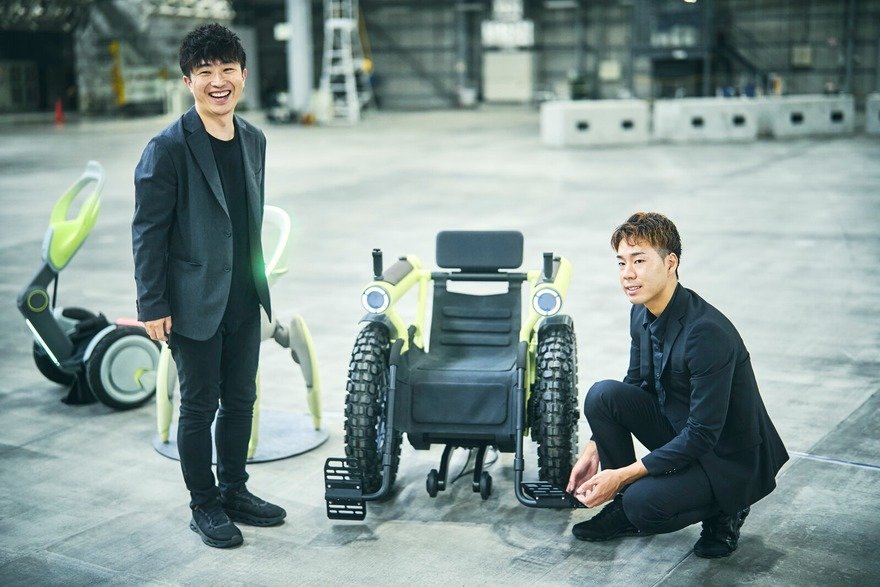
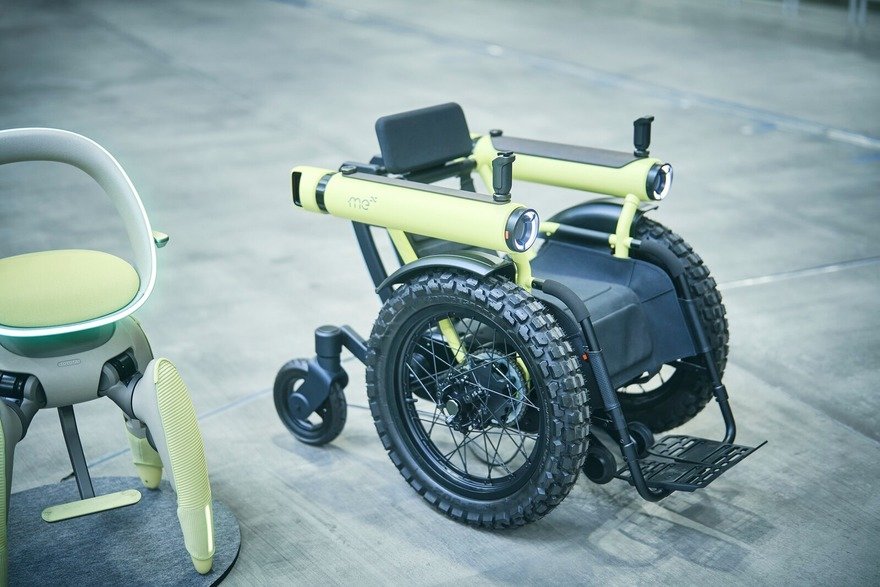
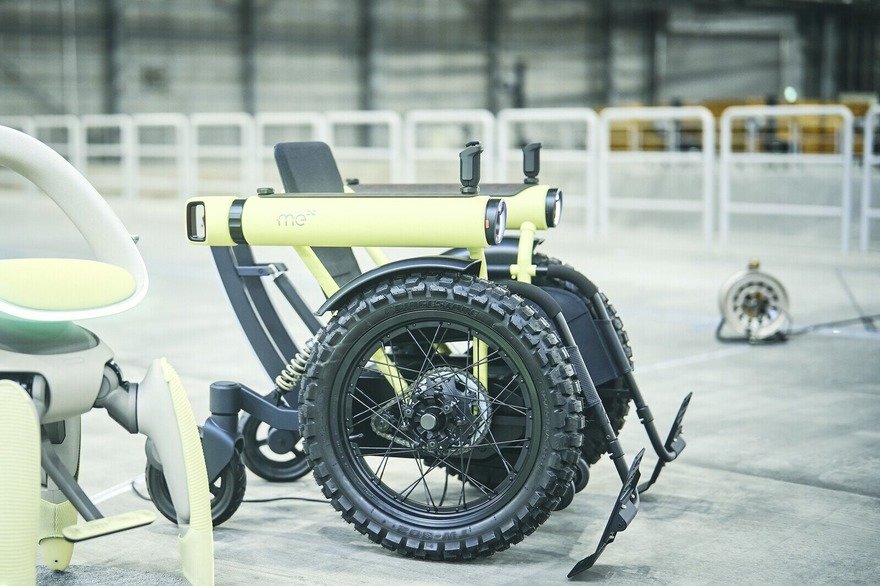
What Toyota didn't show last year, was video footage of these objects actually carrying people. But now they've released one:
"As we continue to come up with these different 'me' ideas," says Toyota Chief Branding Officer Simon Humphries, "talking about our dreams is sure to expand the range of users beyond people with disabilities, and all kinds of new uses will emerge. Ultimately, the ideal is a barrier-free world. That's why everyone should feel free to use them however they like.
"I believe doing so will steadily break down the barriers in society. It's very important that we steer things in that direction."



2 public comments

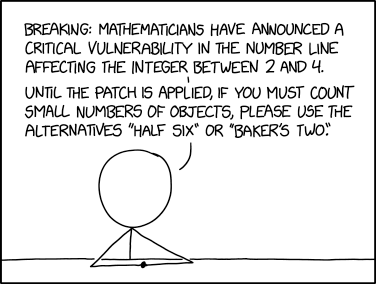
"Danish counting unaffected"


Other numbers are largely unaffected, but anyone using '4' for their certificate key is urged to upgrade to '5'.

Reading a book is very different from studying a textbook. With the former, you flip through pages at whatever pace you read. With the latter, you leave the textbook open to a particular page while you take notes, transcribe, or re-read text in order for it to sink in.
For this latter situation, Japanese stationery company Kokuyo detected a problem. In 2022, the company sought feedback from junior high and high school students on what their study-time paint points were. The students noted that holding a textbook open with one hand while trying to write with the other was a hassle. Some used spring-loaded clips made for the purpose, but these made turning the pages a hassle.
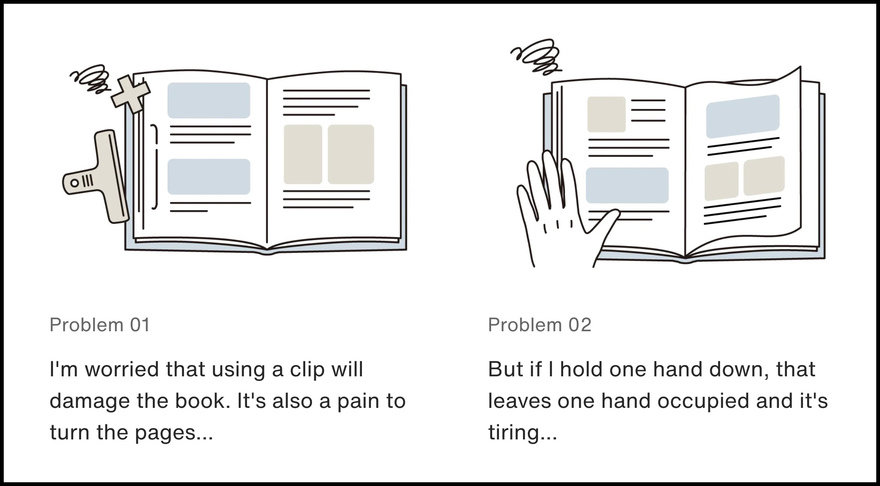
Others compensated by using a bunchin, a traditional calligraphy scroll weight that's essentially a piece of bar stock, square in cross section. But the flat bunchin didn't hold the books open well, as the flat shape only contacted the curved surface of the open pages in two places.
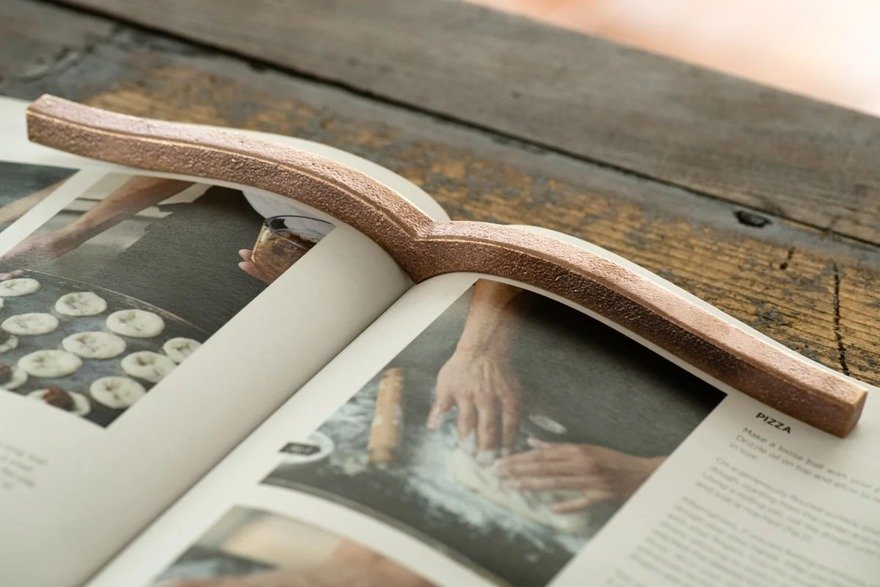
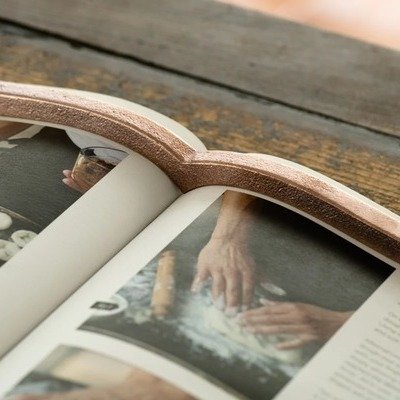
Kokuyo then devised this object, made out of brass. The designers arrived at the precise curvature after measuring several dozen representative books.
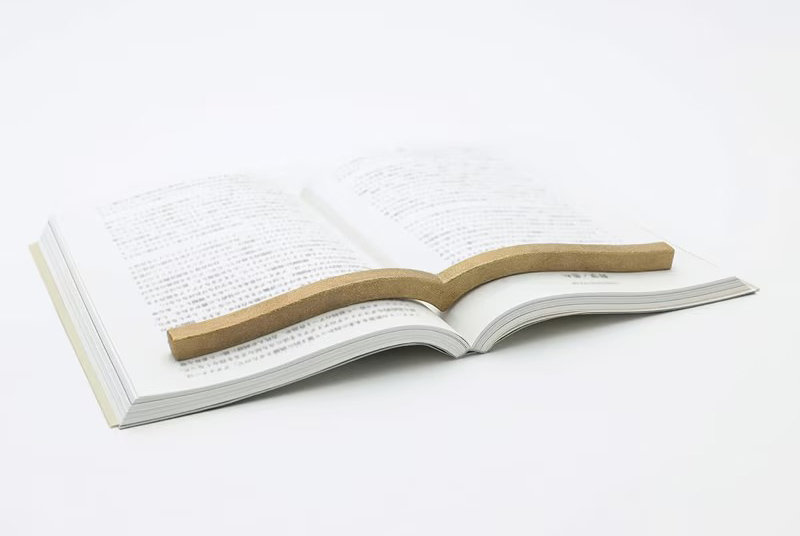
Hedging their bets, the company only produced a small batch of 300 units. They sold out immediately.
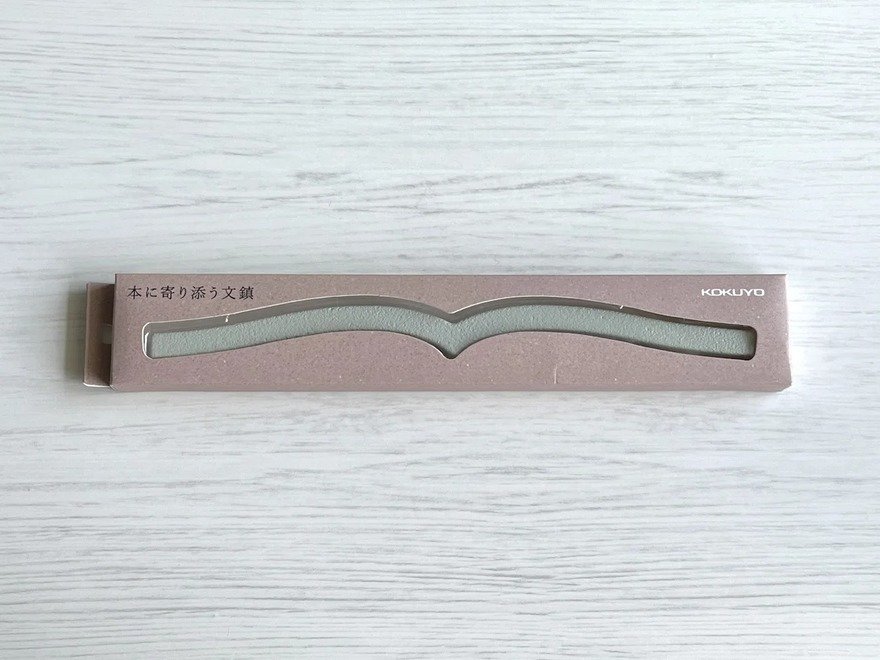
Concept proven, Kokuyo then put the objects—called "book-hugging paperweights"—into production in early 2024. The brass units hit the market first, followed by lower-cost steel versions in black and grey. The same year they won a stationery award.
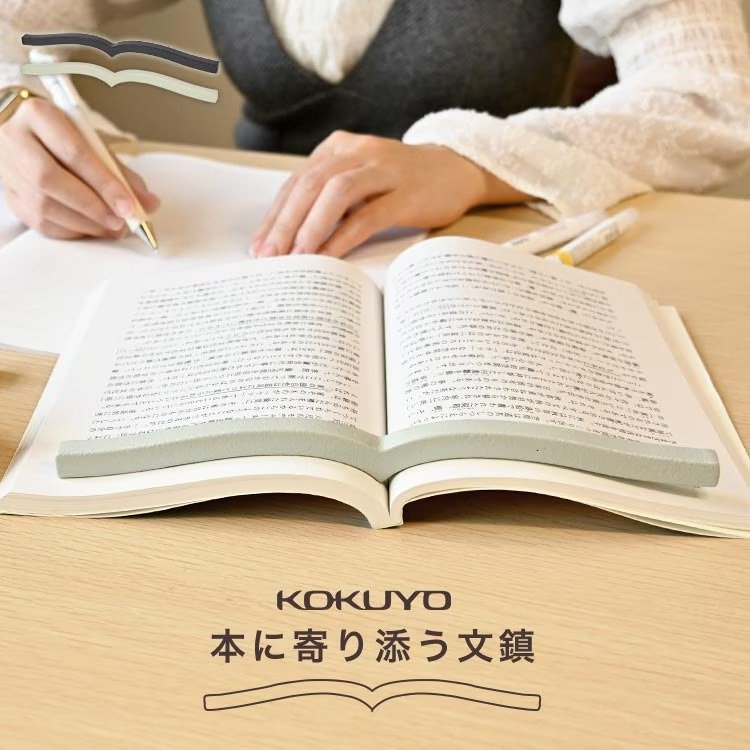
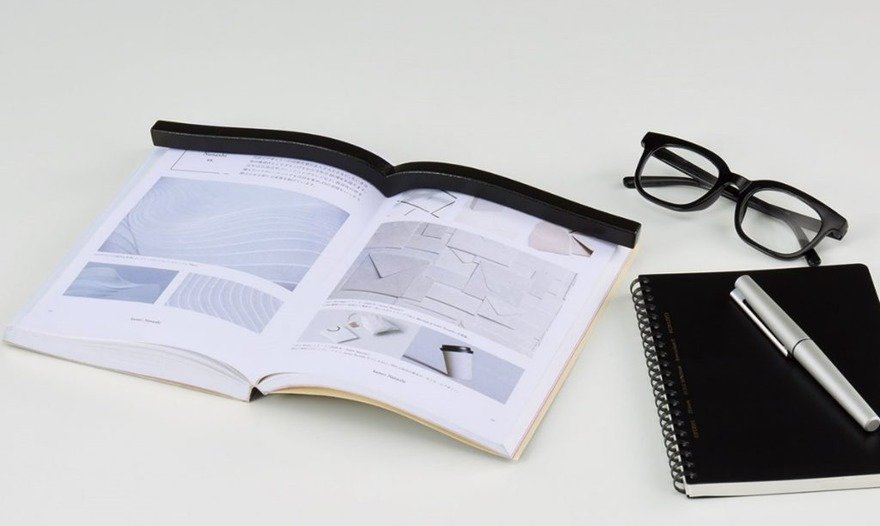
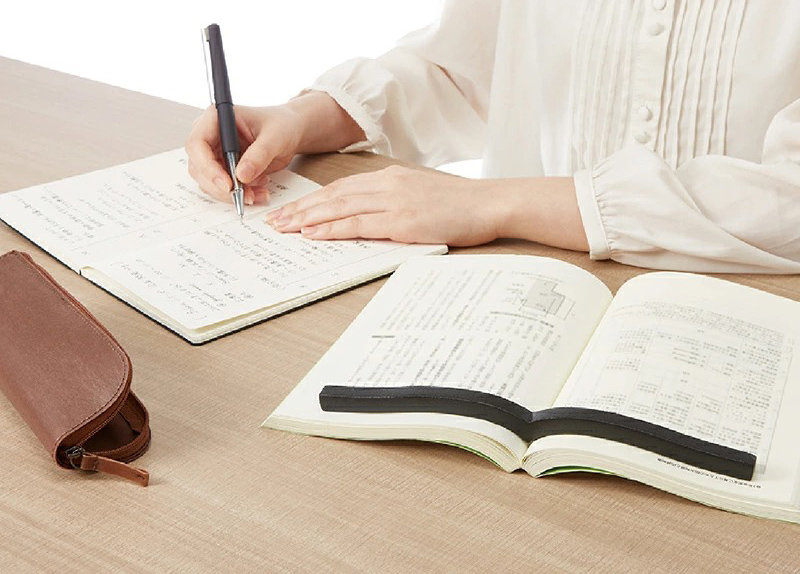
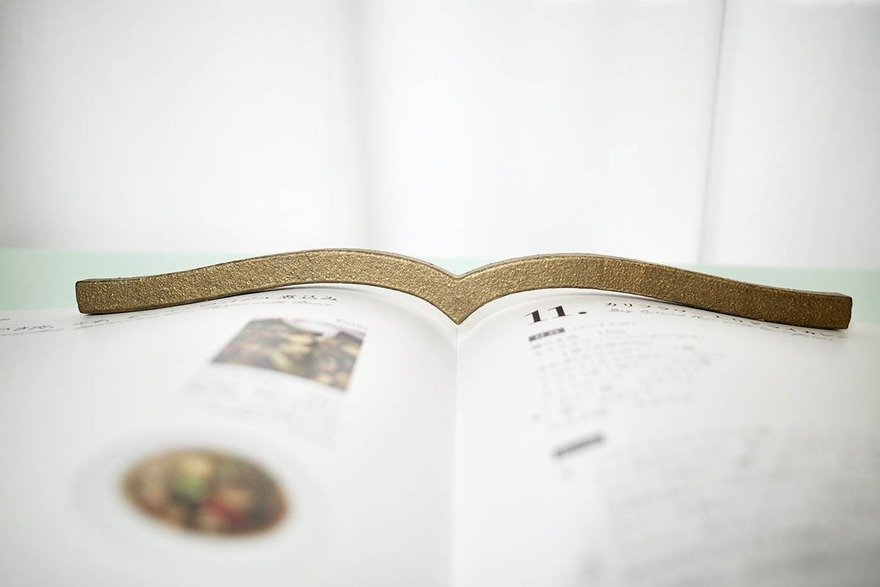
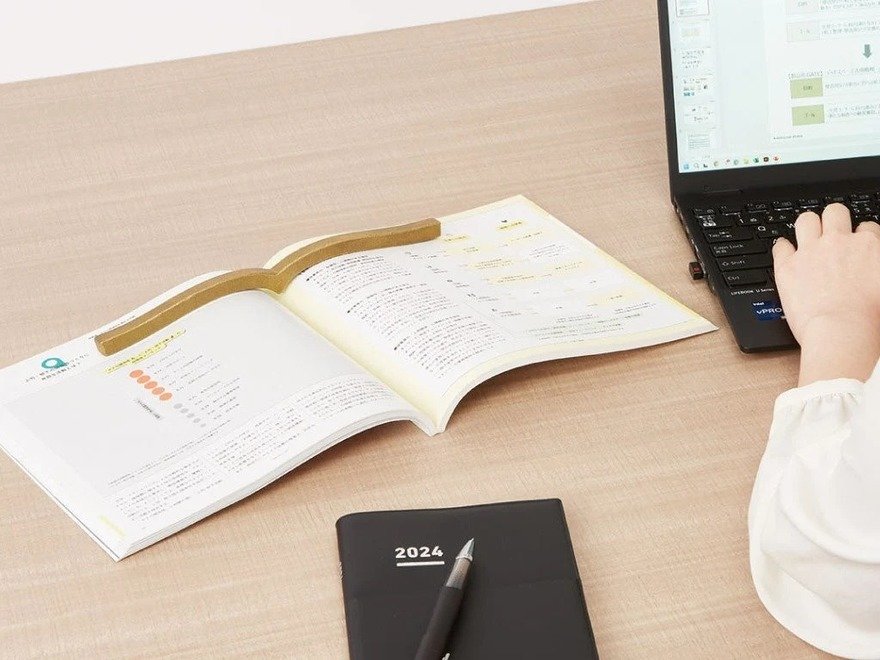
Demand emerged for an even larger model, for thicker art books and coffee table books, and that model hit the market last month.
It's fair to say Kokuyo wouldn't have thought of this product without that crucial feedback-seeking initiative.

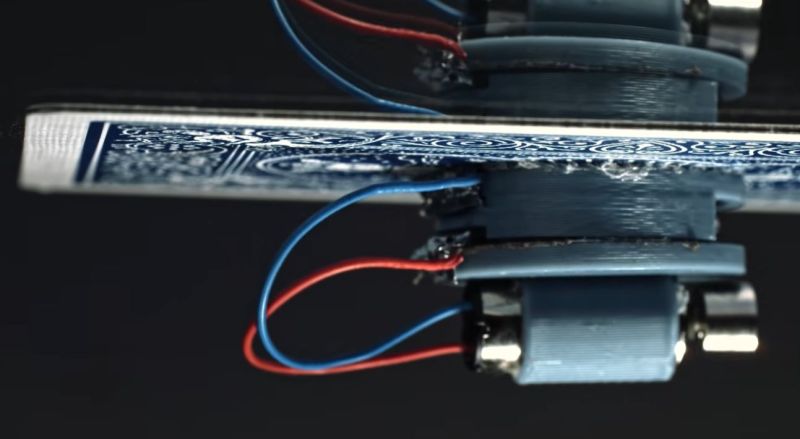
Generally making stuff stick to something like a ceiling requires resorting to suction cups, glue or something much more permanent, but [Steve Mould] starts his video featuring a playing card that is clearly defying gravity with no such measures. All that it seems to take is the small vibration motor placed on said playing card, with its vibrations making the card stick like a kind of magic trick.
Although the easy explanation would be that it creates a kind of Bernoulli grip – a common pneumatic, contactless gripping device – [Steve] explains how it’s more complex than that. This vibration adhesion effect doesn’t rely on the same constant pressure drop that a Bernoulli grip experiences within the small gap between the surface and the object. Although a gap is present, it’s much smaller in this case.
Of note is that this effect only occurs when the object is made of a flexible enough material that can vibrate along with the vibration source, in the form of a motor or transducer. As demonstrated in the video, this creates standing waves that affect the surrounding air. When pushed against a rigid surface, these standing waves change into travelling waves, which result in the air that enters this small gap constantly being pushed out and thus lowering the air pressure.
The air pressure between the rigid and flexible surfaces thus becomes lower than that of the surrounding air, creating the resulting suction effect without touching the surface as something like a suction cup would.
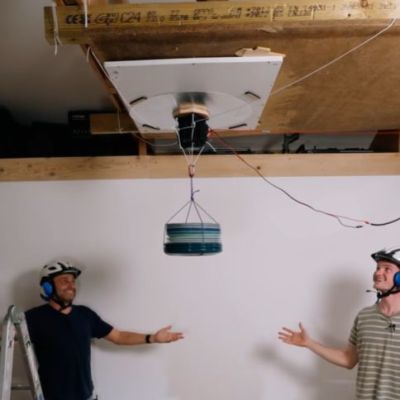
One can imagine practical uses for this effect much like with Bernoulli grips. These are especially common in the semiconductor industry for handling delicate items like silicon wafers with zero risk of contamination. In the video it’s shown how you can use the effect to even hold the weight of a person, though they failed to get past a few dozen kilograms with the used setup involving a 400 Watt transducer, possibly due to their ‘ceiling’ not being rigid enough, leading to energy loss.
There are also papers such as this 2025 one by [Siquan Li] et al. who suggest a ‘Micro-Vibration Adhesion’ (VBA) system to help small robots climb up walls for use in repairs and inspection. In their experimental setup they found an adhesion-to-weight ratio exceeding 51 times, making it an interesting way to have small robots defy gravitational pull without a complicated mechanism.

This is a great video.
Next Page of Stories